
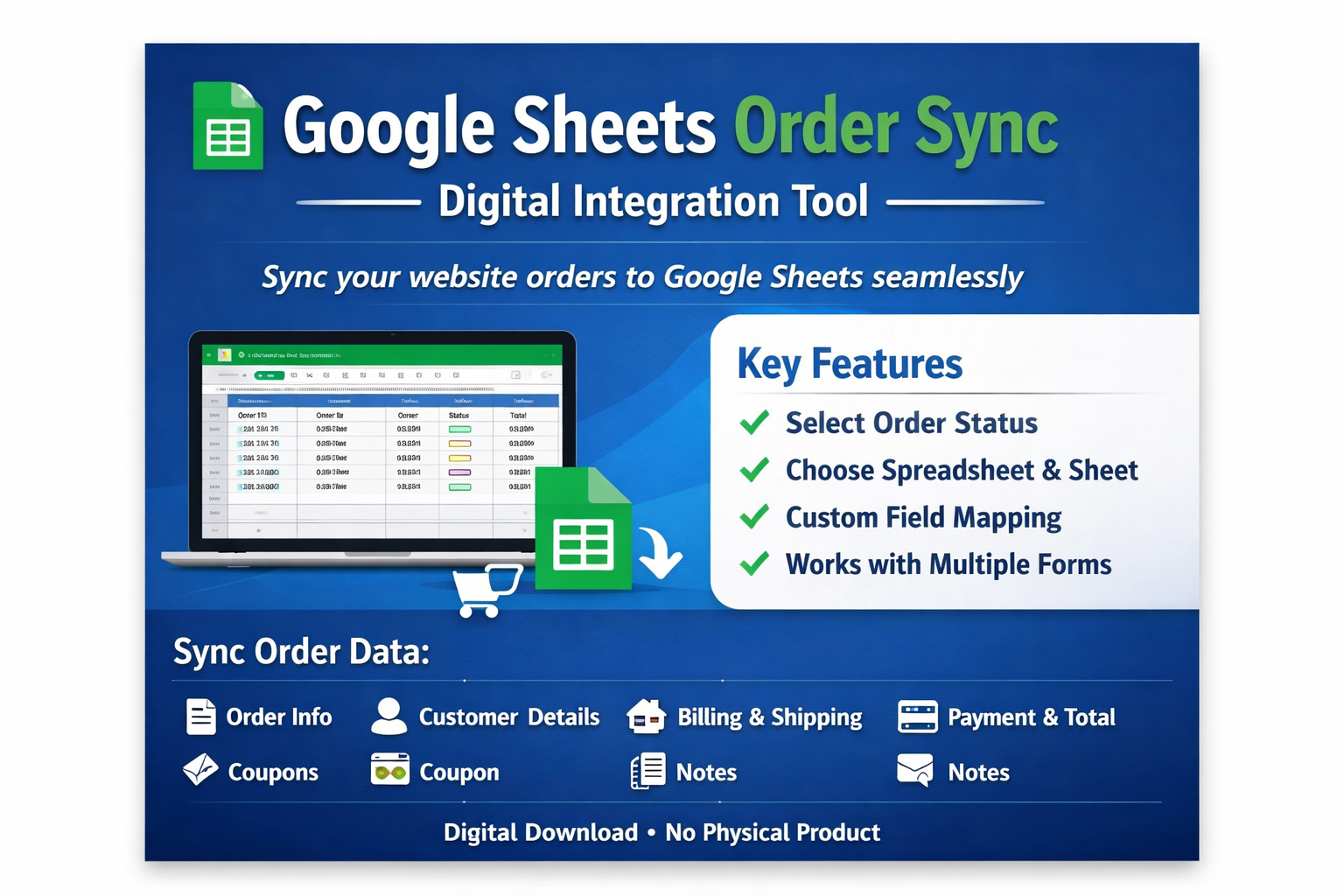
Google Sheets Order Sync – Digital Integration Tool
Automatically record your website orders into Google Sheets with this practical digital tool.
When a new order is placed on your site, selected order data can be automatically added as a new row in your chosen spreadsheet. You can configure it to send data to different spreadsheets or sheets based on your needs.
Only the data fields you choose will be transmitted.
Available Order Data Fields
Depending on your configuration, you can sync:
-
Order ID
-
Order Number
-
Order Date
-
Order Status
-
Shipping Method
-
Payment Method
-
Transaction ID
-
View Order URL
-
Customer ID
-
Billing Details (First Name, Last Name, Company, Email, Phone, Address)
-
Shipping Details
-
Currency Code & Symbol
-
Item Count
-
Order Line Items
-
Tax Information
-
Order Total & Subtotal
-
Discount Amount
-
Coupon Codes
-
Shipping Costs
-
Customer Notes
-
Order Notes
Key Features
-
Option to select which order status triggers data transfer
-
Option to choose the target Google Spreadsheet
-
Option to select a specific Sheet within the Spreadsheet
-
Custom field mapping between order data and sheet columns
-
Compatible with multiple forms
-
Different forms can send data to different sheets
FAQ
Can I send data to different sheets?
Yes. You can send data to any sheet available in your connected Google account.
Can I send data based on order status?
Yes. Supported statuses include: Pending, Failed, On-hold, Processing, Completed, Refunded, and Cancelled.
Can I map sheet columns to order fields?
Yes. Column mapping is configurable in the settings.
Product Information
-
Digital product only
-
Delivered as a ZIP file (174 KB)
-
No physical item will be shipped
-
Download available after purchase







































 No products in the cart.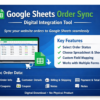
Reviews
There are no reviews yet.